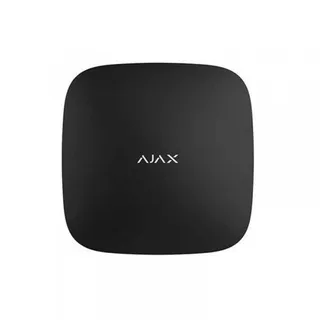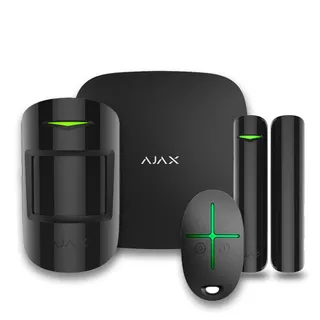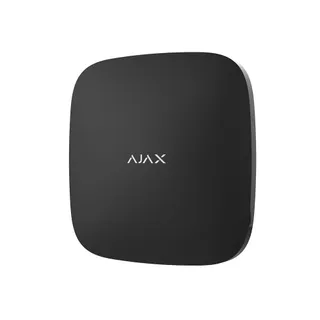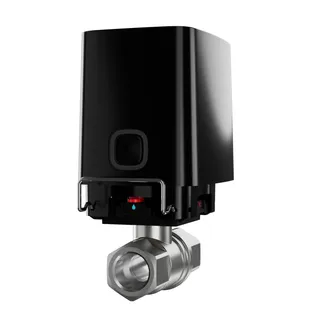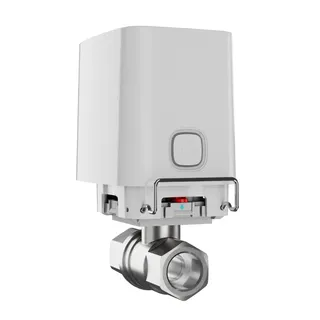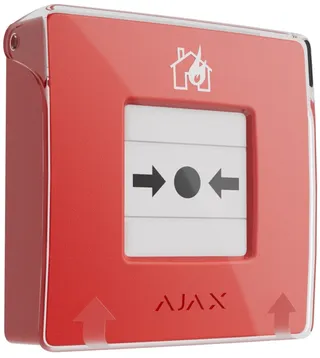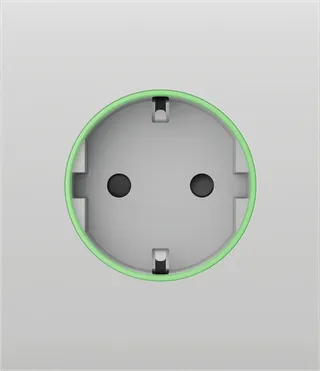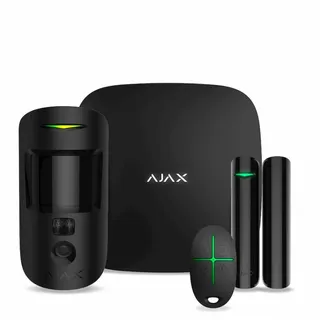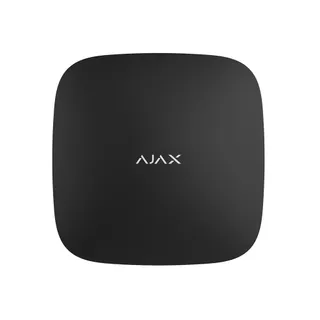
Ajax Hub 2 (2G) black security control panel
Ajax
8,799 ₴
SKU YT-33815
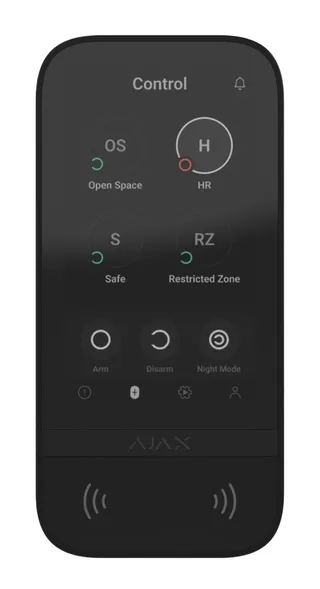
KeyPad TouchScreen – a wireless touchscreen keypad for managing the Ajax system. Users can authenticate using smartphones, Tag key fobs, Pass cards, and codes. The device is designed for indoor installation.
KeyPad TouchScreen communicates with the hub via two secure radio protocols. To transmit alarms and events, the keypad uses Jeweller, and for firmware updates, transmitting the list of groups, rooms, and other information – Wings. Communication range is up to 1,700 meters in the absence of obstacles.
KeyPad TouchScreen is equipped with a built-in buzzer, a touchscreen display, and a reader for contactless authorization. The keypad can be used to control security modes and automation devices, as well as to report system alarms.
The keypad features automatic adjustable display backlighting and activates when approached. Sensitivity is adjustable in the app. The KeyPad TouchScreen interface mirrors the Ajax app. A dark and light theme are available to choose from. The 5-inch touchscreen display allows users to view the current security mode of the facility or any group and manage automation scenarios. When arming, system faults are displayed if any are present (with system integrity check enabled).
The built-in KeyPad TouchScreen buzzer, depending on settings, informs about:
alarms;
security mode changes;
entry/exit delays;
opening detector wear.
The keypad is powered by pre-installed batteries. An external power supply unit with a voltage of 10.5-14 V and an operating current of at least 0.5 A can also be connected. If external power is connected, the pre-installed batteries act as a backup power source.
KeyPad TouchScreen arms and disarms the entire facility or individual groups, and also allows activating Night Mode. Manage security from the Security tab. To change security modes, you can use:
Smartphones. With the Ajax Security System app installed and support for Bluetooth Low Energy (BLE). Smartphones can be used instead of cards or key fobs. BLE is a low-power radio protocol. The keypad supports Android and iOS smartphones with BLE 4.2 and above.
Cards or key fobs. For fast and secure user identification, KeyPad TouchScreen uses DESFire® technology. It is based on the international standard ISO 14443 and combines comprehensive 128-bit encryption and copy protection.
Codes. KeyPad TouchScreen supports general and personal codes, access codes for unregistered users, and arming without entering a code.
Access codes
Keypad code — a general code set for the keypad. When used, all events are sent to the Ajax app on behalf of the keypad.
User code — a personal code set for a registered user added to the hub. When used, all events are sent to the Ajax app on behalf of the user.
Keypad access code — configured for a person not registered in the system. When used, events are sent to the Ajax app with the name linked to this code.
Access rights and codes can be changed in the Ajax apps. A compromised code is changed remotely, so there is no need to call a mounting engineer to the site. If a user loses a Pass, Tag, or smartphone, the administrator or a PRO with system configuration rights can instantly block this device in the app. The user can use a personal access code to manage the system.
Using KeyPad TouchScreen, you can manage group security (if group mode is enabled). You also can specify in the keypad settings which groups will be common (keypad groups). During initial settings, all groups are available for viewing by the keypad on the Security tab. For more details on group security management, see the Security Management section.
For emergencies, the keypad provides an Alarm tab with three buttons:
Panic button;
Fire;
Medical assistance.
In the Ajax apps, the administrator or a PRO with system configuration rights can choose the number of buttons to display in the Alarm tab. In the KeyPad TouchScreen settings, there are two options: panic button only (default) or all three. The message text in the apps and the event codes sent to the security company's central monitoring station (CMS) depend on the selected button type.
You can also activate accidental press protection. In this case, the user confirms sending the alarm signal by pressing the Send button on the keypad display. The confirmation screen appears when any panic button is pressed.
Ajax product lines
Baseline
Model
KeyPad TouchScreen
Keypad type
Wireless
Installation method
Indoor
Compatible with
Hub 2, Hub 2 Plus, Hub Hybrid, Rex2
Support for contactless cards and key fobs
Yes
Duress code
Yes
Personal user code
Yes
Code tampering protection
Yes
Arming/disarming indication
Yes
Keypad backlighting
Yes
Wireless signal range
Up to 1,700 m (in open space)
Transmission frequency
868.0-868.6 MHz
Maximum radio signal power
Up to 20 mW
Jeweller radio protocol
Block encryption based on AES algorithm,
Two-way communication between devices,
Detector polling period - 12-300 seconds
Remote configuration
Yes
Anti-sabotage
Tamper protection,
Jamming notification
Radio signal modulation
GFSK
Tamper protection
Yes
Connection method
Wireless
Color indication
Yes
Battery type
6 AA lithium batteries
Keypad battery life
1.5 years
Operating voltage
12 V
Operating temperature range
-10°C ~ +40°C
Operating humidity
Maximum 75%
Service life
10 years
Certification
DSTU EN 50131, Complies with radio equipment technical regulation requirements
Display availability
Yes
Light indication of operation
Yes
Color
Black
Enclosure material
Plastic
Dimensions
172×82×26 mm
Weight
327 g
Complete set
SmartBracket mounting panel,
Installation kit,
User manual,
6 AA batteries (pre-installed),
KeyPad TouchScreen wireless touchscreen keypad
Dispatch to post branches, parcel lockers, or by courier to your doorstep. All packages are insured for 100% of value. Delivery time: 1–3 business days.
Flexible options: Cash on delivery at Nova Poshta branch or bank transfer invoice (IBAN) for individuals, FOP and companies.