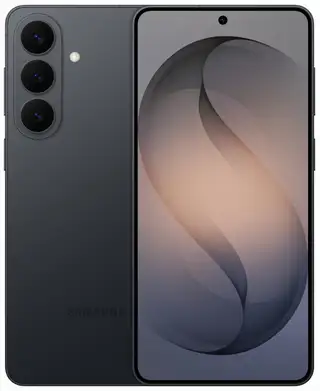
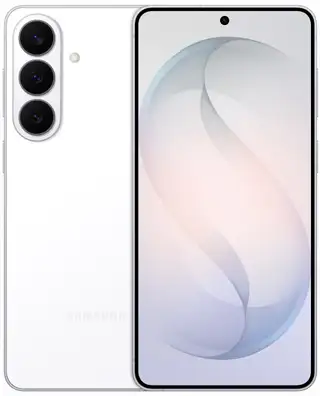
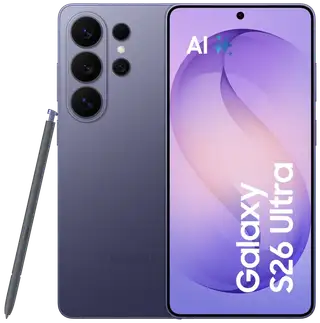
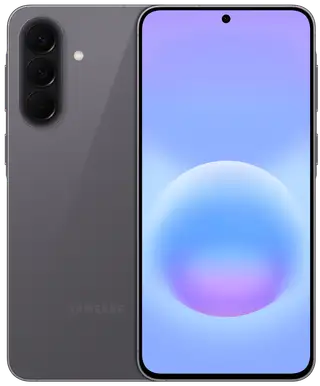
Immersive 6.7″ Display
The immersive 6.7-inch bezel-less display combined with a smooth 90 Hz refresh rate ensures a seamless viewing experience for videos and social media without any interruptions.
*Image simulated for illustration purposes.
*Screen size measured diagonally is 6.7 inches in the full rectangle and 6.6 inches accounting for the rounded corners. Actual viewable area is less due to rounded corners and the camera hole.
Stylish and Slim Design
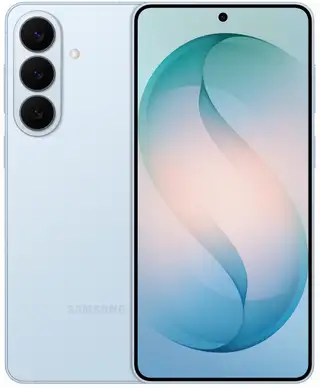
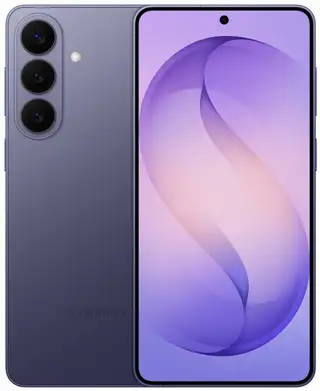
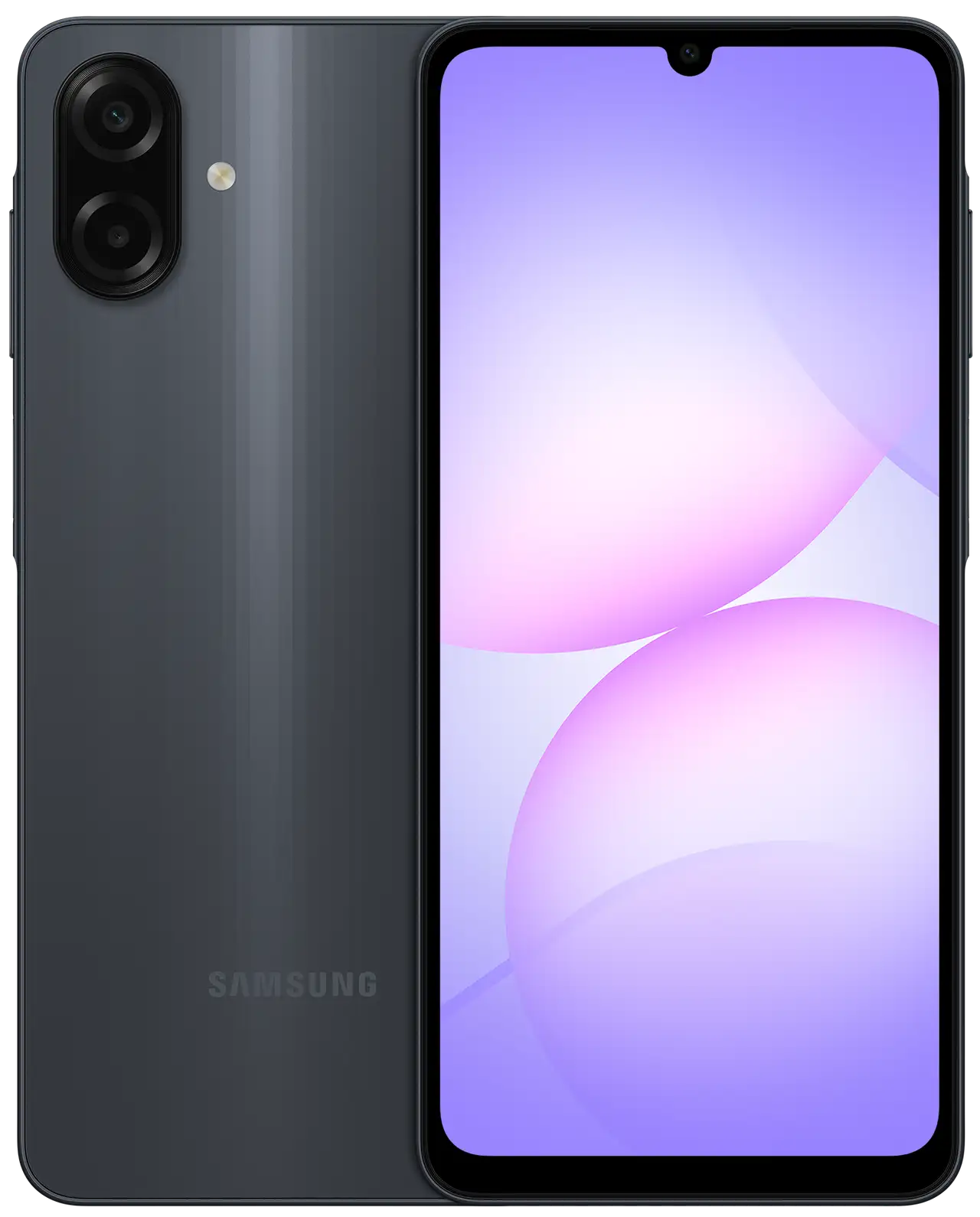
Discover the incredible user experience of the 7.6 mm thin Galaxy A07s. Available in Black, Light Violet, and Green.
* Color availability may vary depending on country, region, or carrier.
Power for Gaming, Streaming, and Multitasking
Powered by a new 6nm processor, the Galaxy A07s instantly launches apps, delivers flawless gaming smoothness, and supports streaming, gaming, and web browsing simultaneously without any lag.
Available memory/storage capacity depends on pre-installed software.
* Memory/storage options and their availability may vary depending on country, region, or carrier.
* Image simulated for illustration purposes.
Get up to 6 Years of OS and Security Updates to Always Stay a Step Ahead
Stay a step ahead and enjoy maximum protection. Your Galaxy A07s receives 6 major OS upgrades and 6 years of security updates, ensuring your smartphone remains current and securely protected for years to come.
* The Galaxy A07s smartphone will receive six generations of OS upgrades and six years of security updates starting from its global market release date.
* Image simulated for illustration purposes.
* The aforementioned OS and security update schedules are subject to change.
* Actual product appearance may differ from the image shown.
IP54 Dust and Water Resistance
Thanks to its IP54 rating, your phone is dust-resistant and withstands water splashes from any direction, making it ideal for dusty environments, trips in the rain, or poolside relaxation.
* Image simulated for illustration purposes.
* Galaxy A07s features an IP54 rating. Based on laboratory test conditions, water is sprayed at 10 liters per minute for 5 minutes at all angles onto the device. Not recommended for use at the beach or pool. Water and dust resistance is not permanent and may decrease over time due to normal wear and tear.
* Actual product appearance may differ from the image shown.
Professional-Grade 50 MP Camera
The 50 MP Galaxy A07s camera delivers high-quality shots with rich colors and excellent detail. The advanced image processing engine accurately balances light and shadows to ensure sharp results under any conditions. Capture vibrant frames with flawless sharpness and professional clarity.
* Actual product appearance may differ from the image shown.
* 50 MP resolution is available only for the rear wide-angle camera of the Galaxy A07s.
* Results may vary depending on shooting conditions, including multiple subjects, out-of-focus, or moving subjects.
Share Files Instantly
Use Quick Share to easily exchange files between devices—both within the Galaxy ecosystem and beyond, including iOS and PCs.
* Feature available on devices with One UI 2.1 or higher and Android OS 10.0 (Q) or later. Bluetooth Low Energy and Wi-Fi connection are required for Quick Share. Supports Galaxy Book devices, including Qualcomm-based PCs released in 2020 or later, as well as Windows PCs with third-party Intel Bluetooth/Wi-Fi modules. (OS: Windows 10 2004 or later, Bluetooth driver: Intel 22.50.02 or later, Wi-Fi driver: Intel 22.50.07 or later). The number of devices for simultaneous file sharing via Quick Share depends on the transmitting device's Wi-Fi hardware. Actual transfer speeds may vary depending on the device, network conditions, and environment. The type, quantity, size, and expiration date of files, as well as the number of simultaneous shares in Private Share mode, may be limited.
Easy Transition from iOS
Switching from iOS is so simple! With Smart Switch, you can easily transfer your photos, videos, contacts, and apps.
*Wired data transfer from iOS devices requires the receiving device to have Android™ 4.3 or later, and the source device to have iOS 5 or later. Transfers can be performed without a cable via wireless connection or through iCloud. For wireless connections, the receiving device must have Android™ 4.0 or later, and the source device must have iOS 12 or later. iCloud transfer requires the receiving device to have Android™ 4.0 or later, and the source device to have iOS 5 or later. Open Smart Switch Mobile in Settings on the receiving Galaxy device or download the Smart Switch Mobile app from the Galaxy Store. For wireless transfers, download the Smart Switch app for iOS from the App Store on your iPhone or iPad. Data, content, and apps available for transfer may vary depending on the transfer method. Contacts, gallery, videos, calendars, and reminders can be transferred wirelessly from an iOS device.

 1 / 9