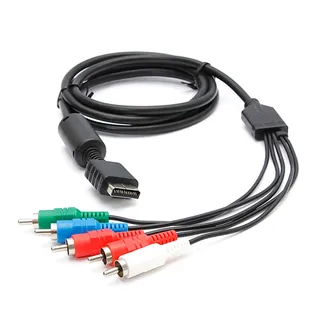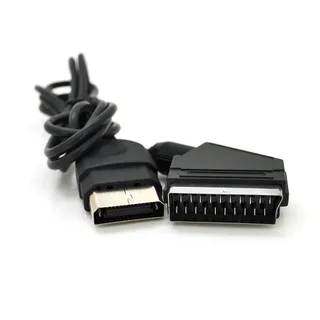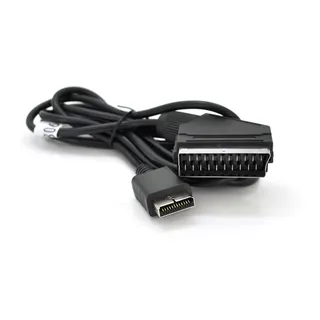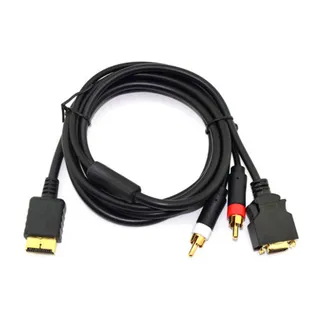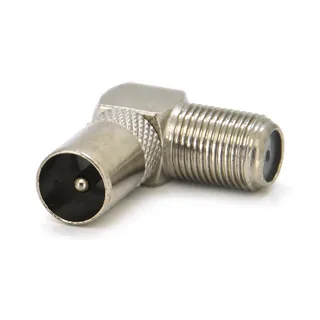
Angled F-F to IEC-M connector (TV plug)
Voltronic
100 ₴
 1 / 2
SKU OT-3242
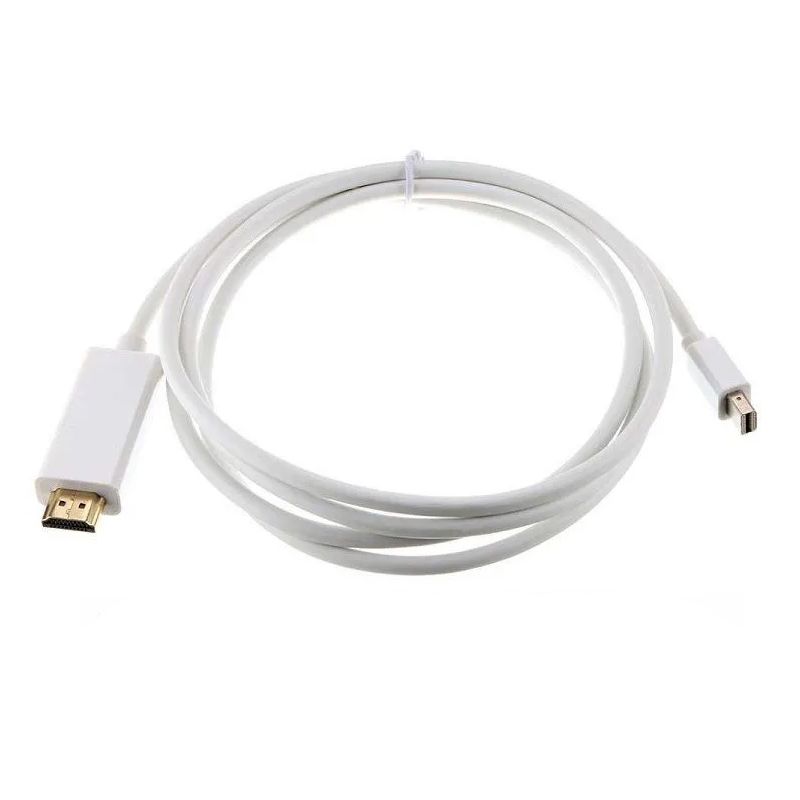
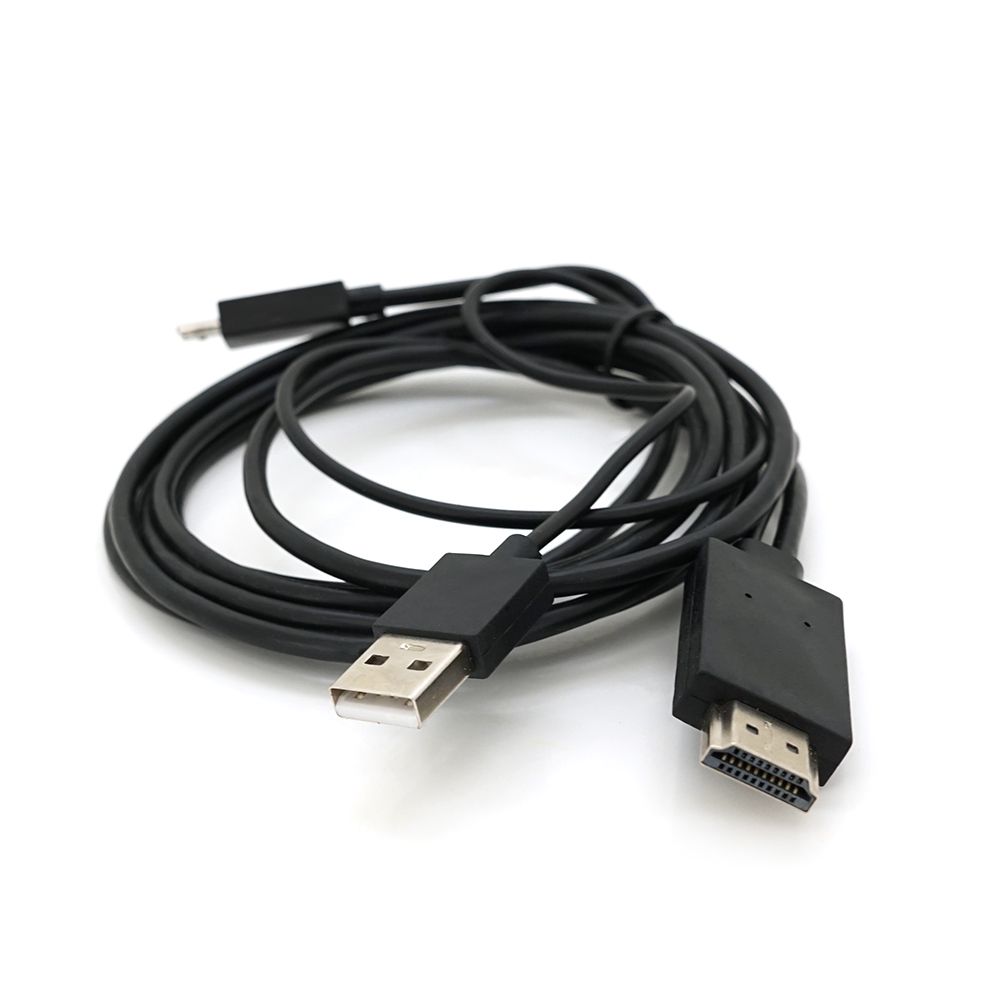
The MHL 11P converter is designed to convert video and audio signals from a phone to a display with an HDMI interface
Input connector: 1 x Micro USB
Output connector: 1 x HDMI
Other connector: USB 2.0 × 1 for charging
Power requirement: 5V 1A
Power mode: portable devices or charging
Length: 60 cm from HDMI to USB2.0, 184 cm from HDMI to MHL
Steps to connect MHL to TV:
Connect the smaller end of the MHL cable to your MHL phone.
Connect the larger end (HDMI) of the MHL cable to the MHL-supported HDMI port on your TV.
Connect the USB cable to a USB power source USB Plug / TV USB PORT / power BANK, etc. Turn on both devices.
In the TV menu, set Auto Input Change (MHL) to on so that the TV automatically switches to the MHL input when a compatible MHL device is connected.
The Auto Input Change (MHL) setting may not work if the compatible MHL device does not support the function.
Please read the notes before ordering: Make sure your device is MHL enabled and has a micro USB-11 pin interface;
Restart your smartphone/tablet with the MHL cable connected on first use; when your smartphone/tablet battery is less than 40%, the screen may flicker.
Charge your device again before using the adapter.
Note:
This adapter does not work with the following Galaxy model:
Some MHL-compliant smartphones will allow you to receive calls or texts while the phone is connected to the TV using an MHL cable.
Some remote control functions will not be available. This feature is strictly based on the settings and capabilities of the compatible MHL device.
If you are not sure if your phone supports MHL functionality, you can check using the Android Play Store MHL compatibility checker app.
Dispatch to post branches, parcel lockers, or by courier to your doorstep. All packages are insured for 100% of value. Delivery time: 1–3 business days.
Flexible options: Cash on delivery at Nova Poshta branch or bank transfer invoice (IBAN) for individuals, FOP and companies.